TMPAD: Game Mode Booster for per-app rendering control
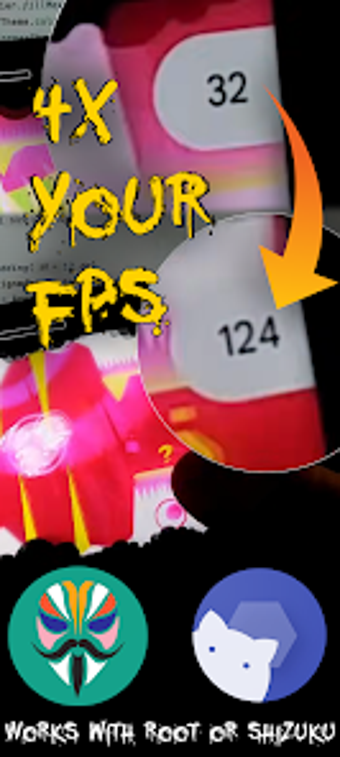
TMPAD: Game Mode Booster, from Osanosa, is a utility that targets GPU-bound mobile gaming by changing how individual apps render on Android devices. The app's core function is per-app internal resolution downscaling plus FPS capping and graphics-backend switching to reduce rendering load and stabilise frame rates. It bundles an FPS/meter overlay, cache cleaner, and refresh-rate control. Mobile gamers on mid-to-low-end devices and power users gain granular rendering control to improve playability.
What does TMPAD alter in the rendering pipeline?
TMPAD uses the native Android Game Mode API to change per-application render settings rather than editing game files. Per-app resolution downscaling instructs the system to render at a lower internal resolution (for example, 0.5x scaling) so the GPU processes fewer pixels. The app also exposes a graphics backend override and per-app FPS caps, so users can pick the rendering path and frame limit that best matches their hardware.
How does TMPAD affect device load and thermals during play?
Lowering internal resolution directly reduces GPU work, which the app cites as the mechanism for higher frame rates and cooler operation. The per-app FPS cap gives explicit control over frame output to manage battery and device temperature. A real-time overlay provides FPS plus CPU, memory, and power metrics so users can observe the immediate system impact of each setting and choose conservative presets for sustained sessions.
Is TMPAD safe for online games and system integrity?
TMPAD interfaces with the system API and does not hook, inject, or modify game binaries, which the developer notes avoids anti-cheat interference. The app supports a non-root path using Shizuku and also works with root for broader access. A Global Downscale fallback exists for devices lacking the per-app API, enabling system-level overrides when the native per-app route is unavailable.
Do you need technical knowledge to configure the tool effectively?
Advanced settings such as backend switching and custom DPI require some familiarity with rendering concepts and device behavior. Initial permission setup using Shizuku or root access involves command-line or privileged steps that can be a hurdle for casual users. The interface presents per-app controls that benefit power users prepared to test different scaling and FPS combinations to find optimal results.
Best for technically minded mobile gamers who accept a setup trade-off
TMPAD is a practical option for users comfortable granting system-level permissions and experimenting with rendering parameters, because it relies on system APIs and requires platform-level access. The main trade-off is the initial configuration complexity; novices may need time to learn safe presets. Recommended.